
Installation
Via Eclipse Update Manager.
The best way to install the Maude Development Tools probably is to use our public update site (http://mdt.sourceforge.net/updates/site.xml). To install the plugins using this method you must follow the following steps:
- Choose Software Updates -> Find and Install from the Help menu.
- Select Search for new features to install and press Next.
- Press New Remote Site...
- Enter "MOMENT Public Update Site" (or whatever you would like) as the name, and "http://moment.dsic.upv.es/updates/" for the URL.
- Press Next.
- Check the boxes next to the version you would like to install and press Next.
- Accept the license agreement and press Next.
- Press Finish.
- You have to accept to install the feature…
- ... and the install process will begin.
- Finally, Eclipse may ask you if you want to restart. We recommend that you do it.
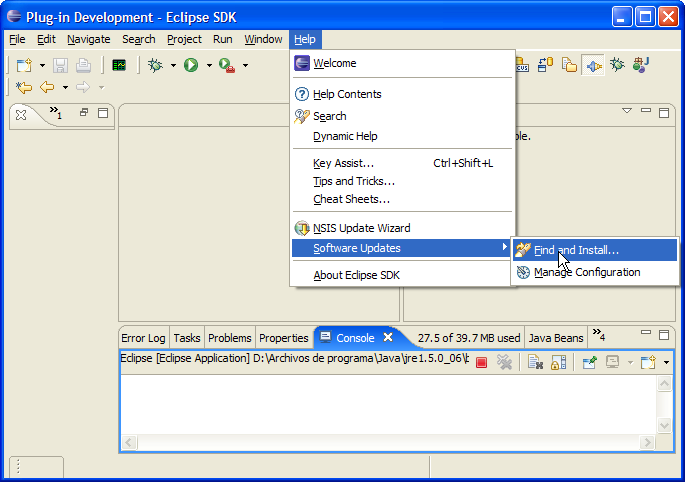
Opening the Eclipse Update Manager.

Search for new features to install option.
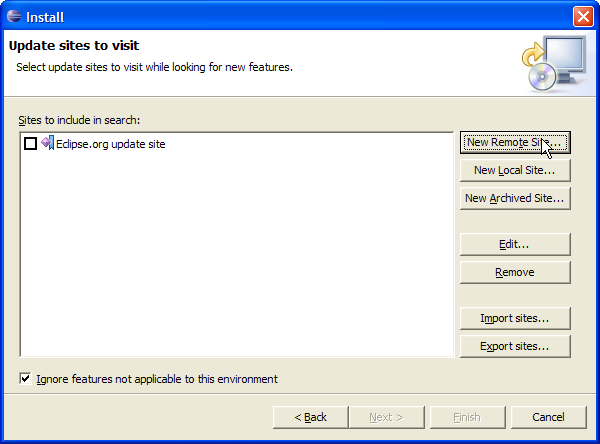
Update sites window.
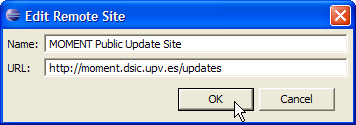
Adding a new update site.
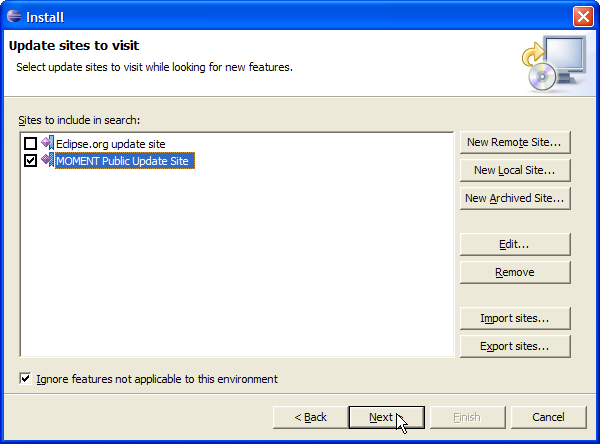
Selection of the MOMENT Public Update Site.
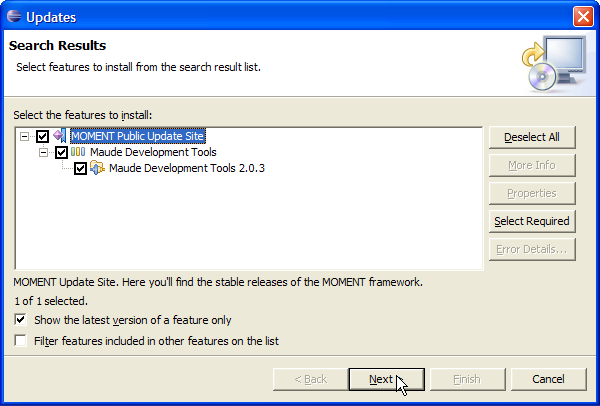
Updates available at the MOMENT Public Update Site.
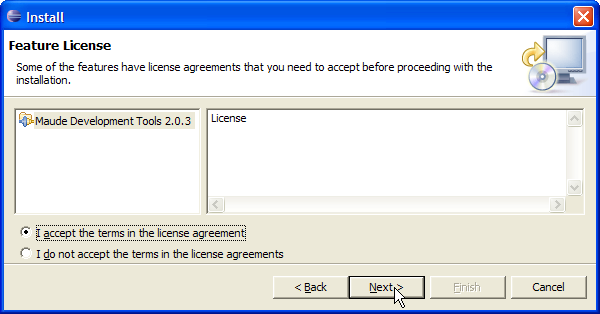
License agreement.
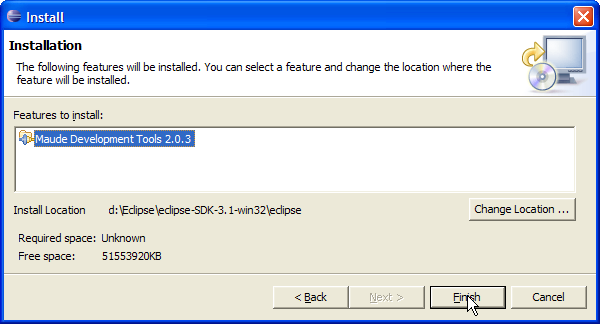
Features to install.
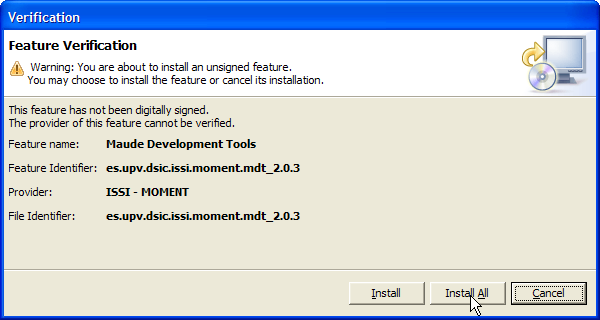
Beginning of the install process.
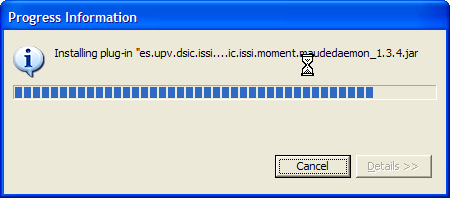
Install process progress information.
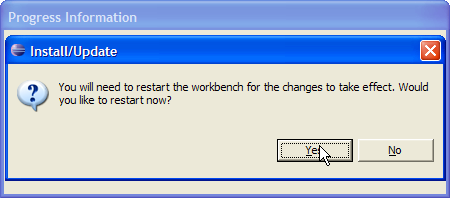
Installation finished.
Manual installation.
Eclipse 3.4 and higher
To install the plugins manually in Eclipse 3.4 (Ganymede) or higher you only need to decompress the plugins and place them into the dropins folder:
eclipse
  |--- dropins
    |- es.upv.dsic.issi.moment.mdt.maudedaemon_1.3.5.jar
    |- es.upv.dsic.issi.moment.mdt.maudesimpleGUI_2.0.5.jar
    |- es.upv.dsic.issi.moment.mdt.help_1.0.0.jar
If you want to learn more about the new plugins infrastructure of Eclipse have a look to the http://wiki.eclipse.org/Equinox_p2_Getting_Started#Dropins URL
Previous versions
For previous versions of Eclipse (3.x | x < 4), you have to decompress and copy the plugin files available at [http://sourceforge.net/projects/mdt/files/] into the Eclipse folder, and restart it using the -clean argument. Please, note that there will not be any dependency checking process. For example:
Given the following eclipse folder:
eclipse

  |--- configuration
    |- org.eclipse.core.runtime
    |- ...
  |--- features
    |- org.eclipse.jdt_3.0.1
    |- org.eclipse.platform_3.0.1
    |- ...
  |--- plugins
    |- org.apache.ant_1.6.2
    |- org.apache.lucene_1.3.1
    |- org.eclipse.ant.core_3.0.0
    |- ...
  |--- readme
    |- ...
  ...
  |--- startup.jar
  ...
And the file es.upv.dsic.issi.moment.mdt_2.0.4.zip: with these files:
es.upv.dsic.issi.moment.mdt_2.0.4.zip
  |--- features
    |- es.upv.dsic.issi.moment.mdt_2.0.4
  |--- plugins
    |- es.upv.dsic.issi.moment.mdt.maudedaemon_1.3.5.jar
    |- es.upv.dsic.issi.moment.mdt.maudesimpleGUI_2.0.5.jar
    |- es.upv.dsic.issi.moment.mdt.help_1.0.0.jar
You will have to copy both directories (features and plugins) to the eclipse folder.